Install Knighn
Get the Mac app, open the web app, and put the knighn command in your Terminal.
The Mac app
Download Knighn for Mac from knighn.com (Apple silicon). Open the zip, then open Knighn. The first time, it offers to move itself to Applications. It updates itself: when a new version is ready, the chip in the tab bar says Restart.
On an Intel Mac, or on another computer, use the web app at app.knighn.com.
Sign in
The first run asks you to sign in, or to go on as a guest. A guest keeps their designs when they make an account later. Open Settings > Account (on the web).
The command line tool
The knighn command comes with the Mac app. To put it in your Terminal, choose Help > Install Command Line Tool…, or the Install button in Settings > General (install it now (on the web)). It writes /usr/local/bin/knighn; macOS asks for your password when that folder needs it.
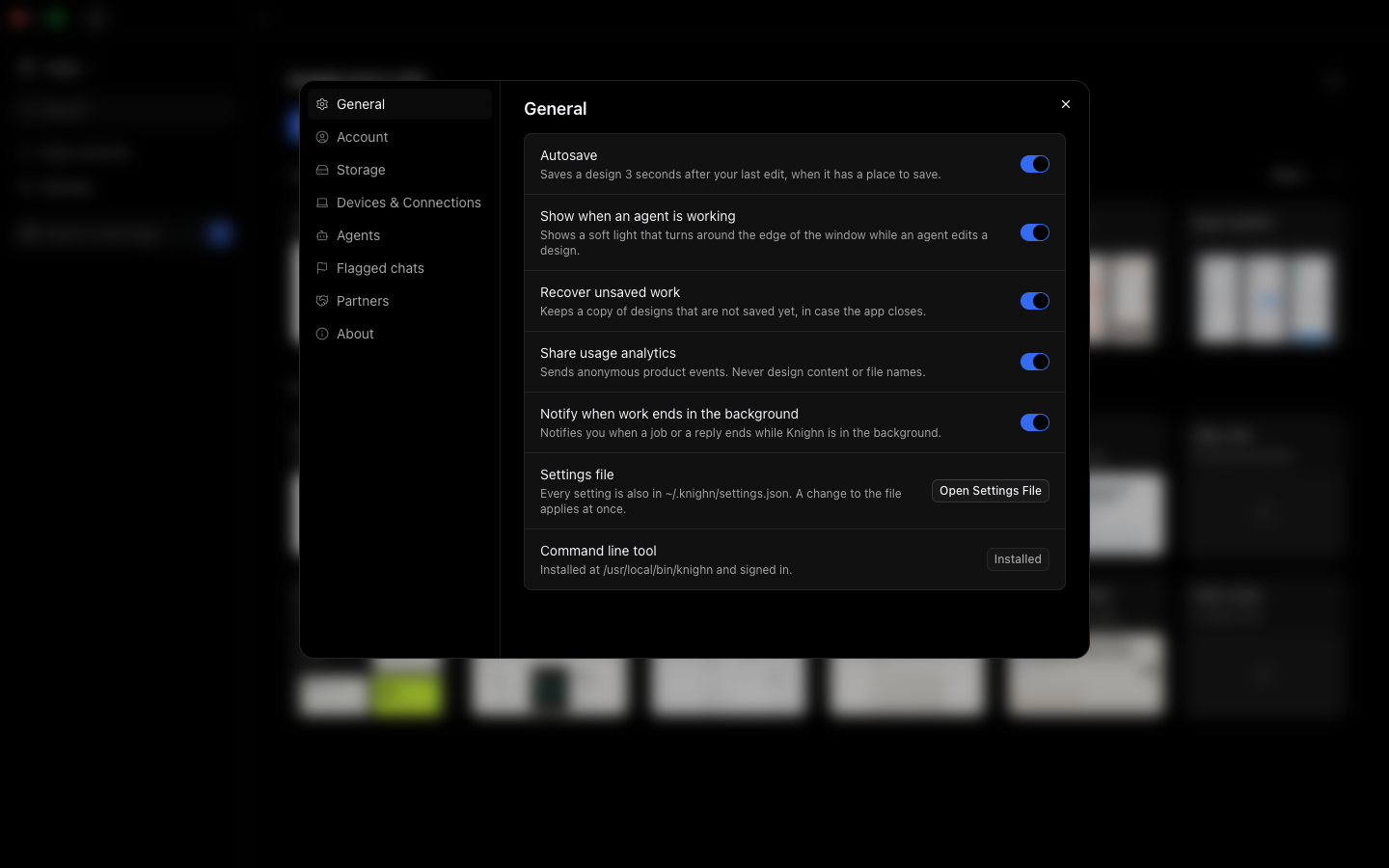
Check it:
knighn --version
knighn --help
The command is the app's own, so it updates when the app does. When you move Knighn.app, install it again: Settings > General says when the command runs another copy.